


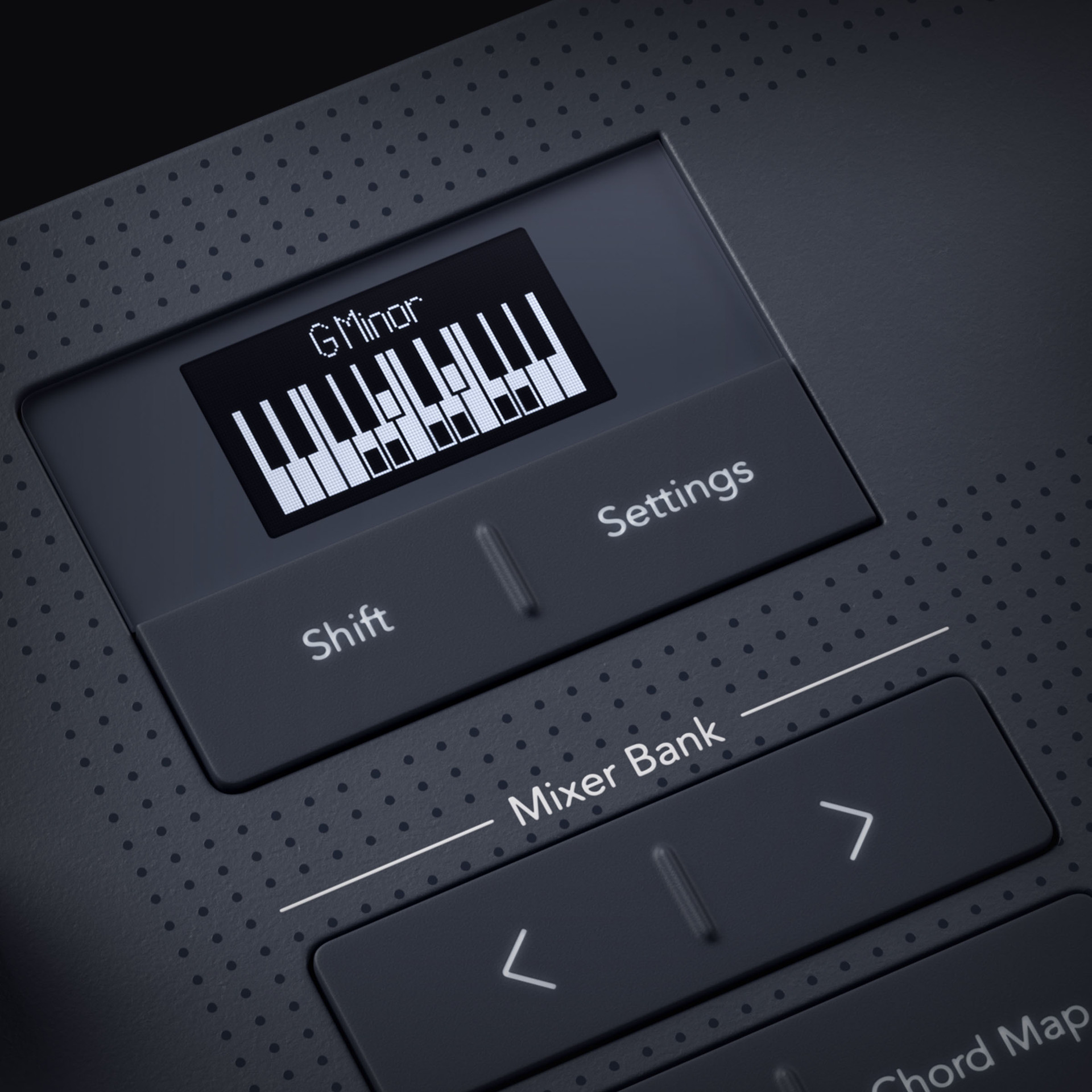
Lorem ipsum dolor sit amet, consectetur adipiscing elit. Ut elit tellus, luctus nec ullamcorper mattis, pulvinar dapibus leo.
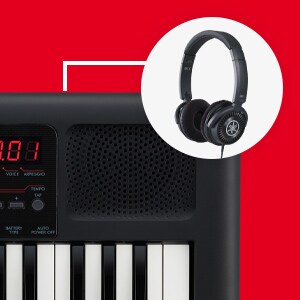
Practice in total focus with headphone support that lets you hear every note clearly without distractions. Perfect for late-night sessions or playing in shared spaces.
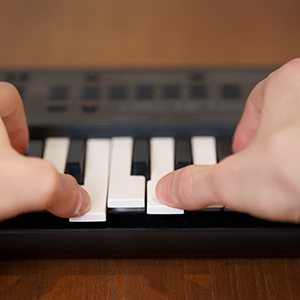
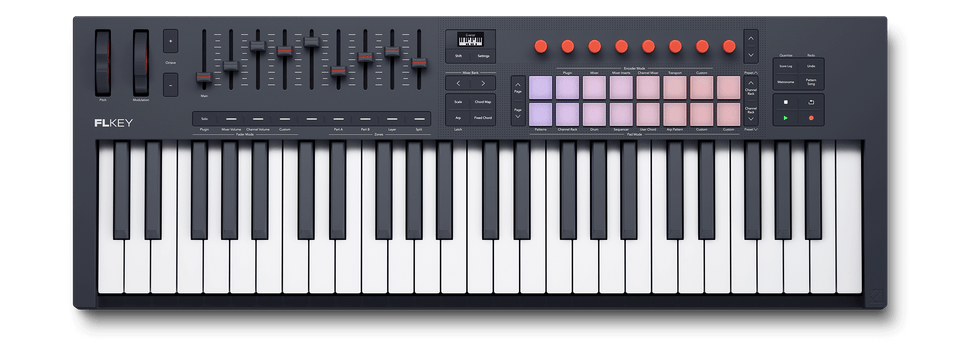
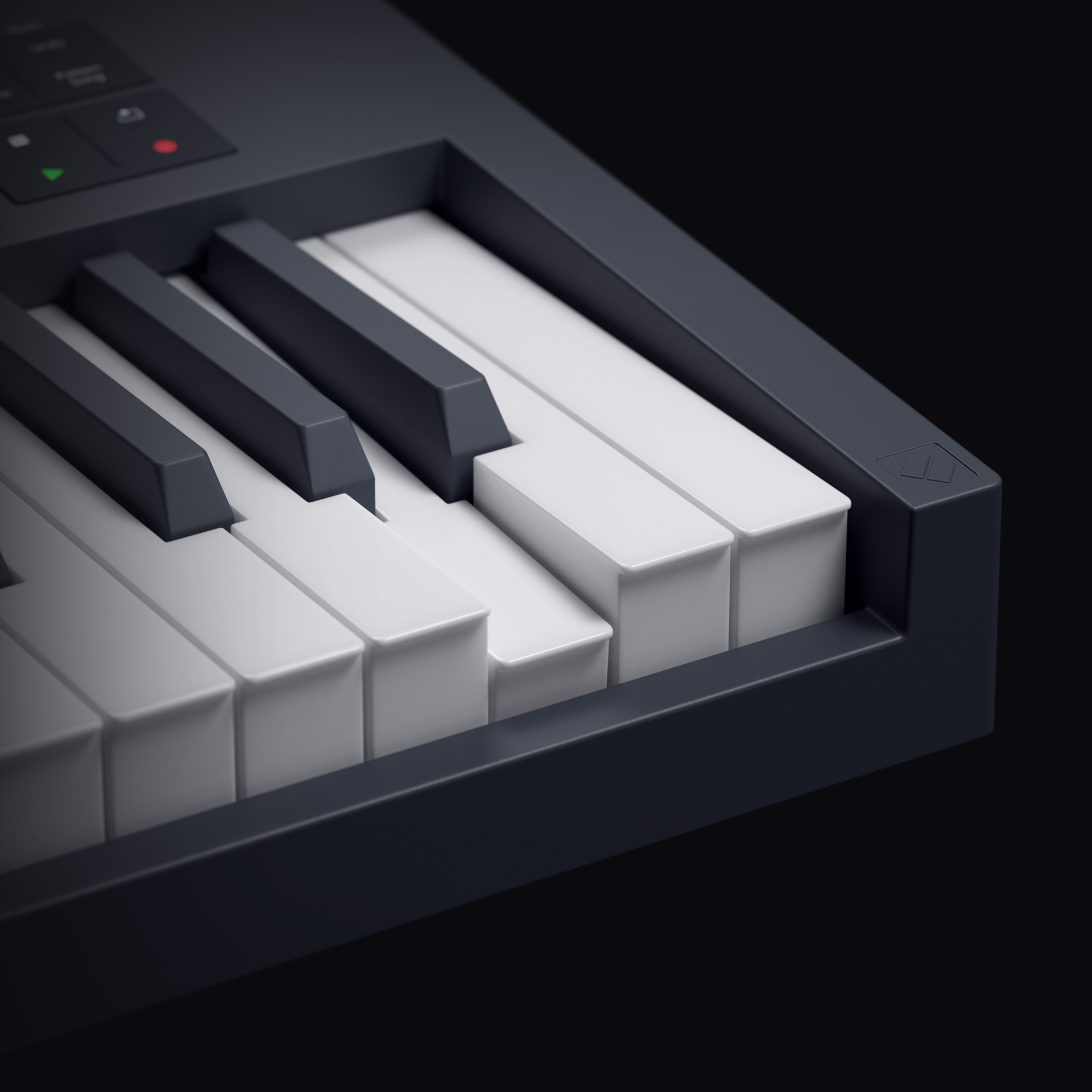
Enjoy responsive keys designed to replicate the touch and dynamics of an acoustic instrument, giving you expressive control and a more authentic playing experience.
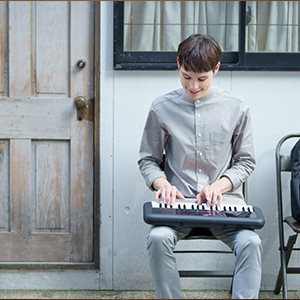
Lightweight and portable, this keyboard is built to go wherever inspiration strikes—at home, outdoors, or on the move.
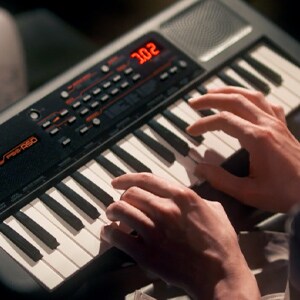
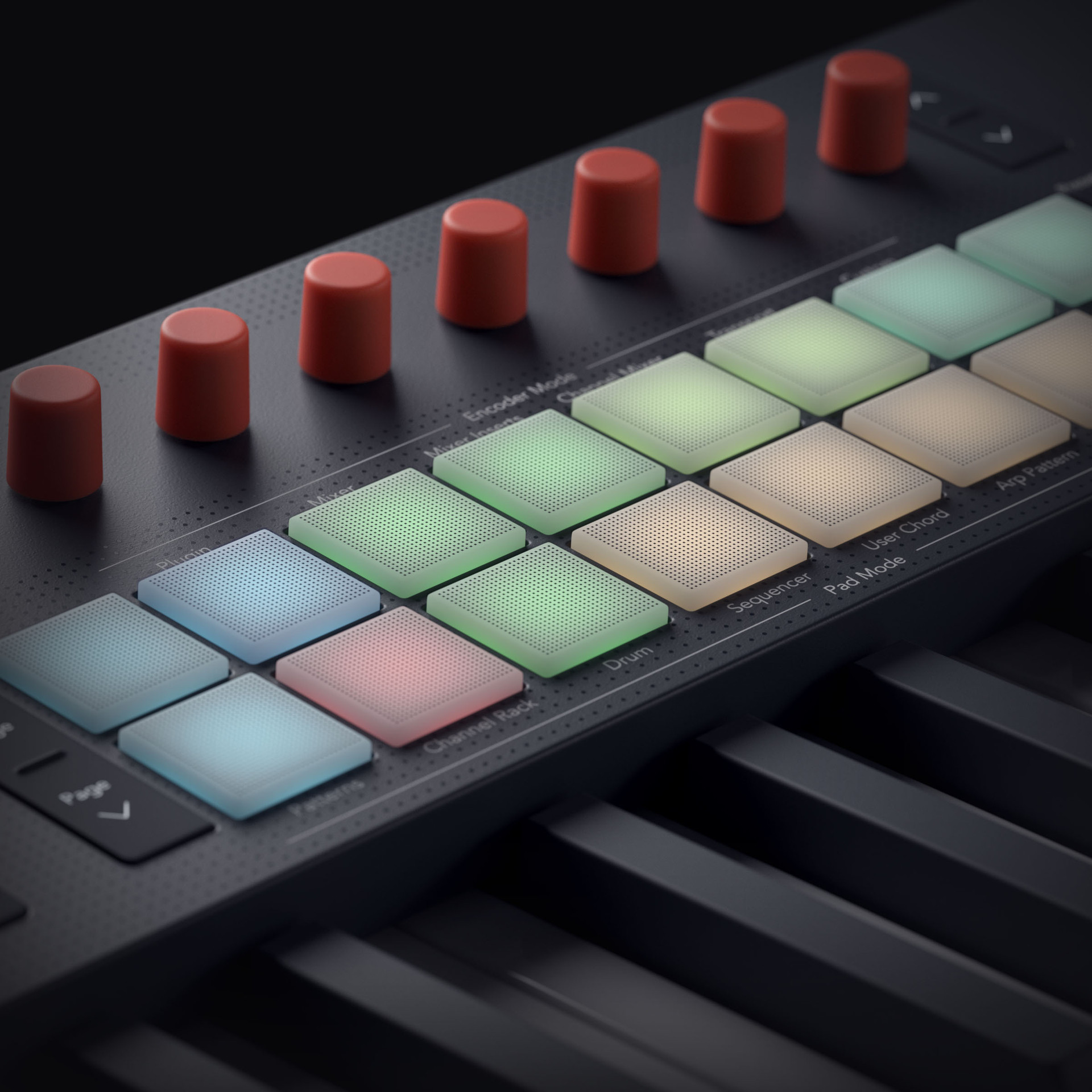
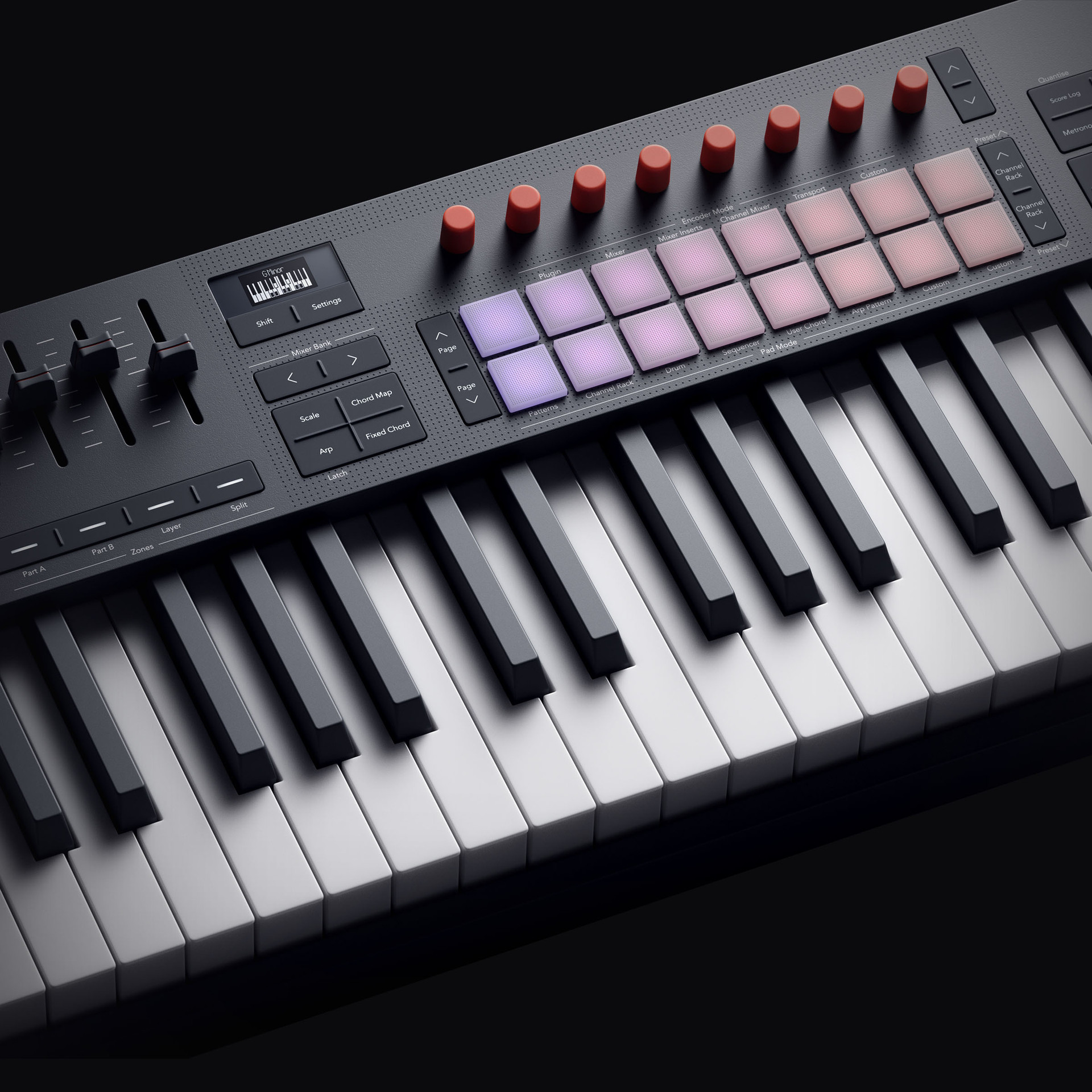
With intuitive controls and versatile sound options, you can experiment freely, develop your skills, and play without limitations.
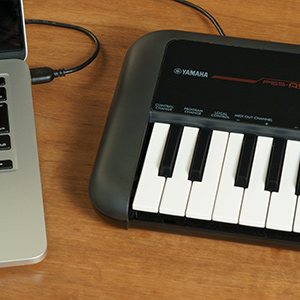
Connect seamlessly to your computer for recording, composing, or learning with music software and DAWs via simple plug-and-play connectivity.

Lorem ipsum dolor sit amet, consectetur adipiscing elit. Ut elit tellus, luctus nec ullamcorper mattis, pulvinar dapibus leo.
Lorem ipsum dolor sit amet, consectetur adipiscing elit. Ut elit tellus, luctus nec ullamcorper mattis, pulvinar dapibus leo.
Lorem ipsum dolor sit amet, consectetur adipiscing elit. Ut elit tellus, luctus nec ullamcorper mattis, pulvinar dapibus leo.
Lorem ipsum dolor sit amet, consectetur adipiscing elit. Ut elit tellus, luctus nec ullamcorper mattis, pulvinar dapibus leo.
Basic contact details and which store you’re reaching out to.
This helps us match you to the right products and price range.
Mixers, speakers, microphones, interfaces — we’ll point you in the right direction.
Whether it’s a church PA or a full commercial install, we’ve got you covered.
We supply resellers and bulk buyers across PNG.